Non-destructive trim
Set the in and out points. The original video stays intact, so you can re-cut the clip whenever you change your mind.
Trim the clip, lay music under it, add a filter, change the speed. No editing software, no timeline maze. Then publish to your feed, tag your squad and share the watch page anywhere.
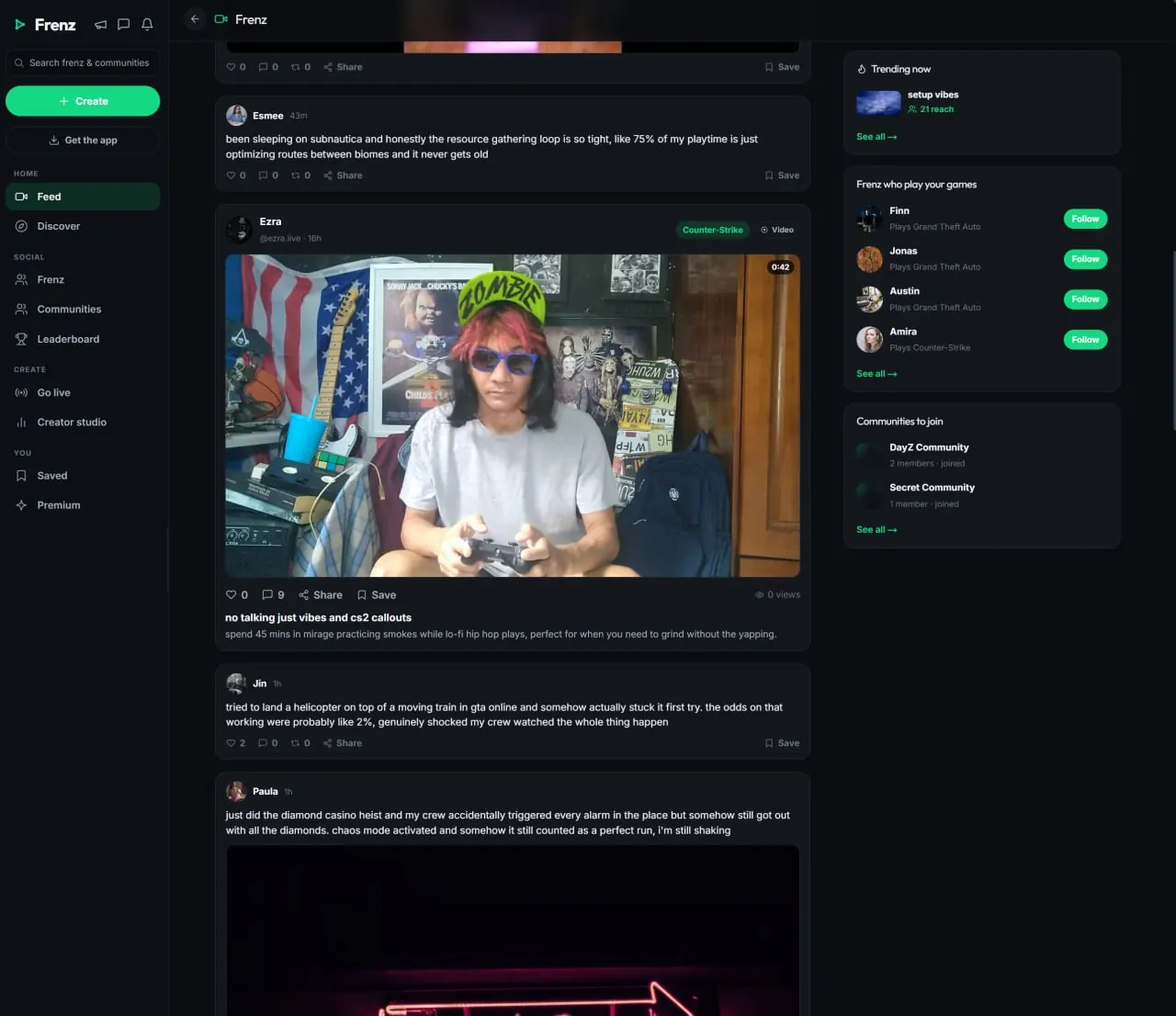
Frenz has a built-in clip editor that runs in the browser: non-destructive trim, a music track with multiple segments and per-segment volume, filters and playback speed. Publish and the clip lands on your profile and in your followers' feeds. Tag the squad members who were in the moment and it shows on their profiles too. Every clip gets a public watch page you can link anywhere.Product facts reviewed July 18, 2026
The built-in editor
Every tool works on the clip you already uploaded, right in the browser. No project files, no install, no export step between you and posting.
Set the in and out points. The original video stays intact, so you can re-cut the clip whenever you change your mind.
Lay one music track across the clip and split it into segments. Each segment has its own volume.
Pick a look for the whole clip, or skip it and keep the raw capture.
Slow the highlight down so people can see it, or speed through the setup.
Nothing to install. The editor runs where Frenz runs, on desktop or your phone's browser.
The music track
One track, multiple segments, a volume for each. The song works around your clip instead of steamrolling it.
Split the music into segments across the clip and set each one separately. Quiet under the comms, full when the play hits, silent when it should be.
The rest of the polish lives next to the music. Make the cuts, pick a look, set the speed. Publish when it feels right.
After the edit
The editor feeds straight into the social side of Frenz. Nothing to export, nothing to re-upload.
Upload from any device, or capture on PC with the free desktop app and press F9 to save the moment.
Trim to the moment, lay the music, pick a filter, set the speed.
The clip lands on your profile and in your followers' feeds. Tagged squad members get it on their profiles too, and it reaches their followers' feeds.
Every clip has a public watch page with rich link previews. One link works in any chat. A view counts after 10 seconds of real watching.
Honest scope
Our goal is a fast polish pass without a timeline-editor learning curve. For full movie-style edits, keep your editor of choice and upload the export when it is done.
Editing on Frenz
Direct answers about the editor, the music track, publishing and sharing.
Yes. The Frenz editor runs in the browser: trim, a music track, filters and playback speed. Phones use the mobile web app, so a phone browser works too. It is free.
No. The trim is non-destructive. You set where the clip starts and ends, and the original video stays intact, so you can loosen or move the cut later.
You add one music track and split it into multiple segments across the clip. Each segment has its own volume, so the song can sit quiet under the talking and hit full for the play.
Yes. Playback speed is part of the editor. Slow a flick down so people can actually see it, or speed through the setup to get to the moment faster.
No. The editor covers enough for a great clip without a timeline-editor learning curve. If you want full movie-style edits, keep your editor of choice and upload the export.
It goes on your profile and into the feeds of people who follow you. Tag the squad members who were in the moment and it shows on their profiles too, reaching their followers' feeds.
Yes. Every clip gets a public watch page with rich link previews, so one link looks good in any chat or platform.
A view counts after 10 seconds of real watching, so the number on your clip reflects people who actually saw the moment.
Related Frenz guides
Capture the moment first, then make what you post travel.
Free to use
Trim it, score it, post it. All in the browser.