Create a free account
Sign up at frenz.gg. Everything runs in the browser, and phones use the mobile web app.
Make a free account, open Go live and share your screen with game audio. Add your mic and camera if you want them. Nothing to install, nothing to configure. When you outgrow the browser, plug in OBS with a stream key and keep the same channel.
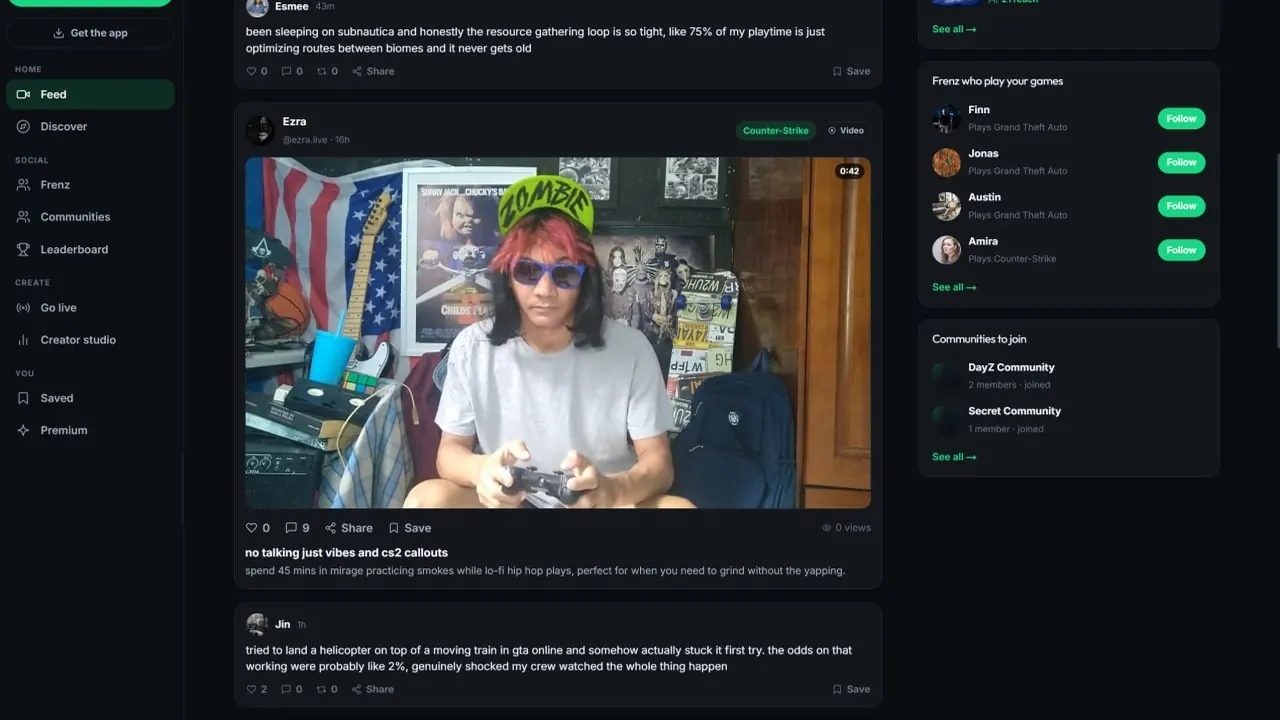
Create a free account, open Go live and stream from your browser. Share your screen with game audio, add your mic and camera, give the stream a title and a game tag, then go live. Prefer OBS? Paste a stream key. When you end, keep the recording as a video.Product facts reviewed July 18, 2026
Your first stream
Most people stall at the setup, so we removed it. The whole path from no account to live fits in one sitting.
Sign up at frenz.gg. Everything runs in the browser, and phones use the mobile web app.
It sits in the sidebar. Pick browser streaming, or OBS with a stream key if you already use it.
Say what you are doing and tag the game. The tag puts your stream next to that game for players who follow it.
Play, read chat, end when you are done. Keep the recording as a video so the stream keeps working after you log off.
Two ways to stream
Browser streaming gives you mic, camera and screen share with game audio out of the box. OBS is great software, and Frenz supports it with a stream key the day you want scenes and overlays.
While you are live
You get the same live tools as established creators from stream one. Nothing to apply for, nothing to unlock.
Viewers talk to you while you play. Reading chat out loud is the easiest way to keep a small stream alive.
Viewers can subscribe to support you once you have people who keep coming back.
Anyone watching can send a tip during the stream. A good moment can pay for the pizza.
Viewers choose the playback quality that fits their connection, so shaky wifi can still watch you.
Your stream is kept as a video, so you can cut the best moments into clips afterwards. Tag the frenz who were there and the clip shows on their profiles too.
The honest part
Anyone who promises otherwise is selling something. Here is what actually moves the needle, and where Frenz gives a small channel a fair shot.
Consistency. A schedule you can keep, the same games so the same people find you, and showing up when three viewers feels like a crowd. Clips between streams keep you visible on the days you are offline.
Promises you will never hear from us. What we can do is make sure the right people get a chance to find you.
Your stream is placed next to the games people already follow.
Streaming for beginners
Direct answers about gear, cost, OBS, titles, recordings and what growth really looks like.
No. Frenz streams straight from your browser with your mic, camera and screen share with game audio. When you want scenes and overlays later, switch to OBS with a stream key.
Nothing. The account is free, streaming is free and viewers watch free. Frenz runs in the browser, and phones use the mobile web app.
A computer that runs your game and a microphone. A camera is optional. Browser streaming captures your game through screen share, so you can skip capture software entirely.
Say what you are doing in plain words and tag the game you are playing. The game tag places your stream next to that game, where players who follow it can find you.
You can keep the recording as a video, so people who missed the live can still watch it. You can also share clips of the best stream moments to the feed.
Yes. Viewers can subscribe to your channel and send tips during a stream. Treat that as a bonus at the start, not a plan. Income depends on your audience and is never guaranteed.
Through the games. Frenz puts streams next to the games people follow, so a correct game tag matters more than a big name. Clips shared to the feed give people another way in.
Slower than the success stories suggest. Consistency wins: a schedule you can keep, the same games, and clips between streams. Nobody can promise growth, including us.
Related Frenz guides
The stream is one piece. Videos, clips and the money side connect to it.
Free to use
Make the account, press Go live and get the awkward first stream out of the way.